How many photos are sitting in your camera roll, unopened?
Thousands, probably. A grid sorted by date that you scroll past, never through.
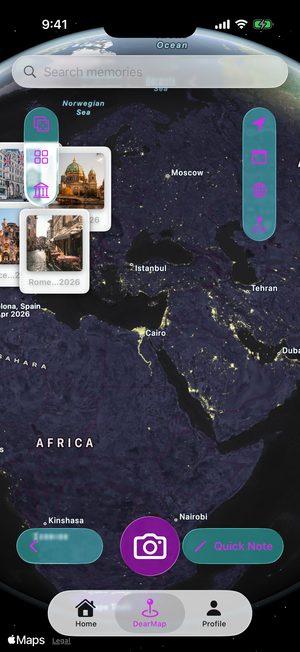
The trips you’ve forgotten are already on your iPhone, buried in thousands of photos. DearMaps puts them back on a map — scanned on your device, uploaded nowhere.
Thousands, probably. A grid sorted by date that you scroll past, never through.
The café, the viewpoint, the street you got lost on. The place is what brings the day back — and it’s the first thing you lose.
Posted for other people, ranked by an algorithm, mined for ads. That isn’t a diary. It’s a billboard.
Every photo below is a real place someone walked through. Yours are in there too, somewhere under four thousand screenshots.










Magic Scan reads where and when your photos were taken — on your iPhone, never on a server — and turns a year of camera roll into places in about a minute. No typing, no importing, no account needed.
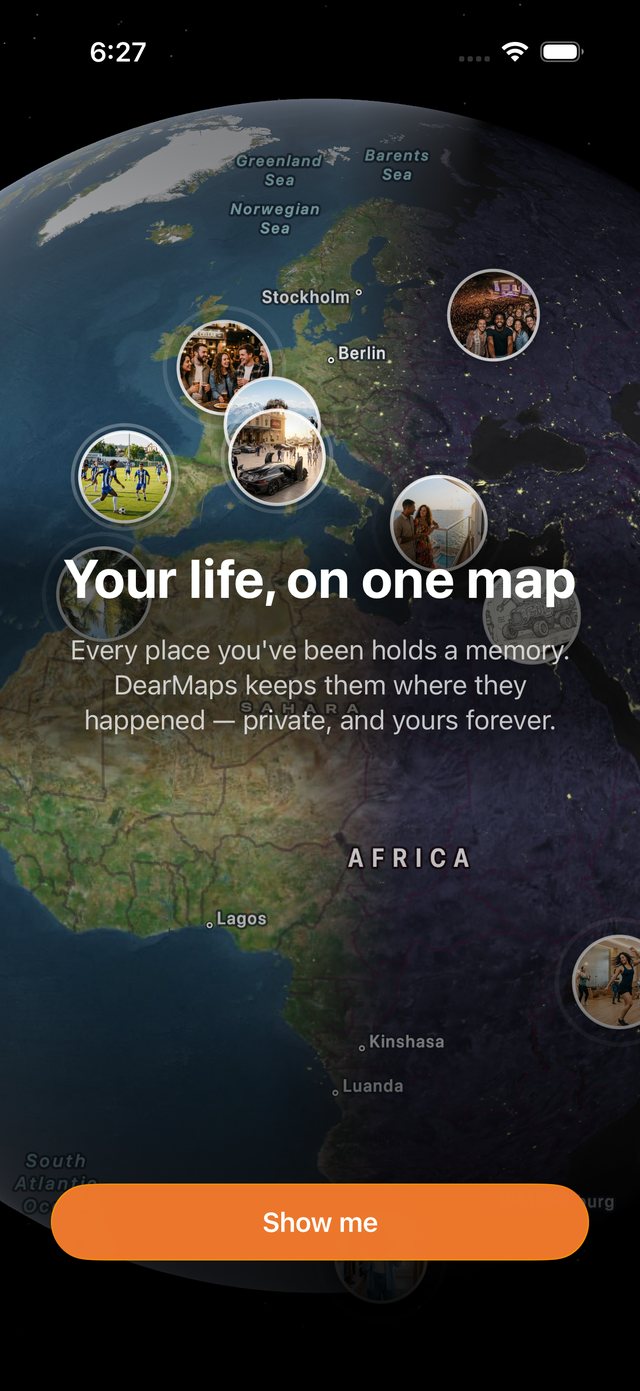
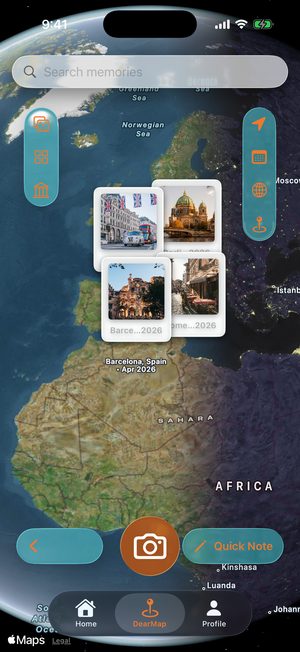
Your year stops being a list of dates and becomes a shape: London in January, Berlin in February, Barcelona in April. The trips you’d have sworn were longer ago than they were.
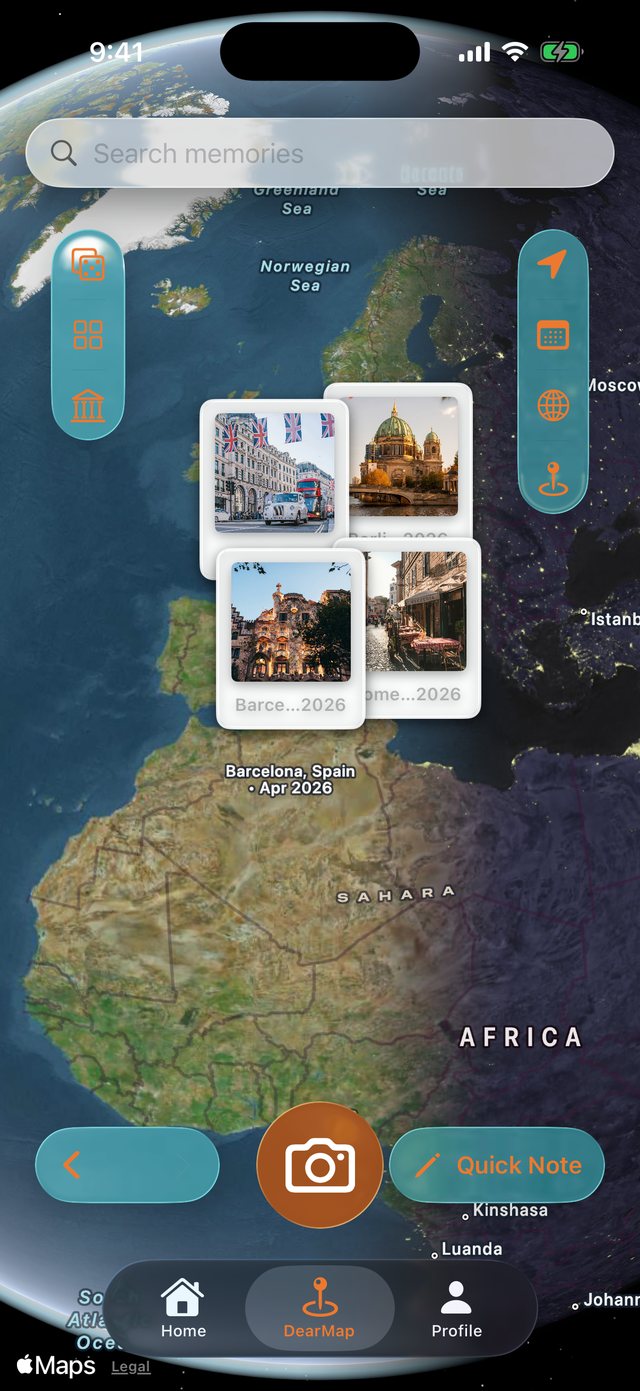
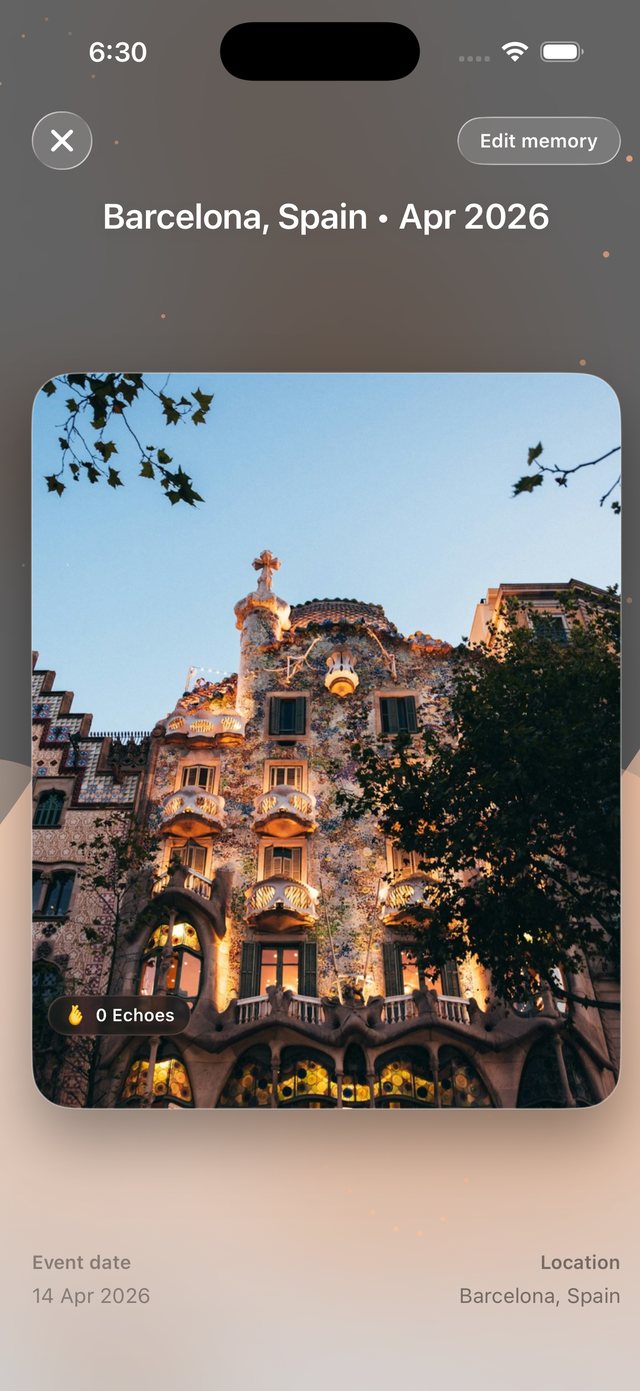
DearMode fills the screen the way the moment filled it — big, quiet, with the place and the date resting underneath instead of a comment count.
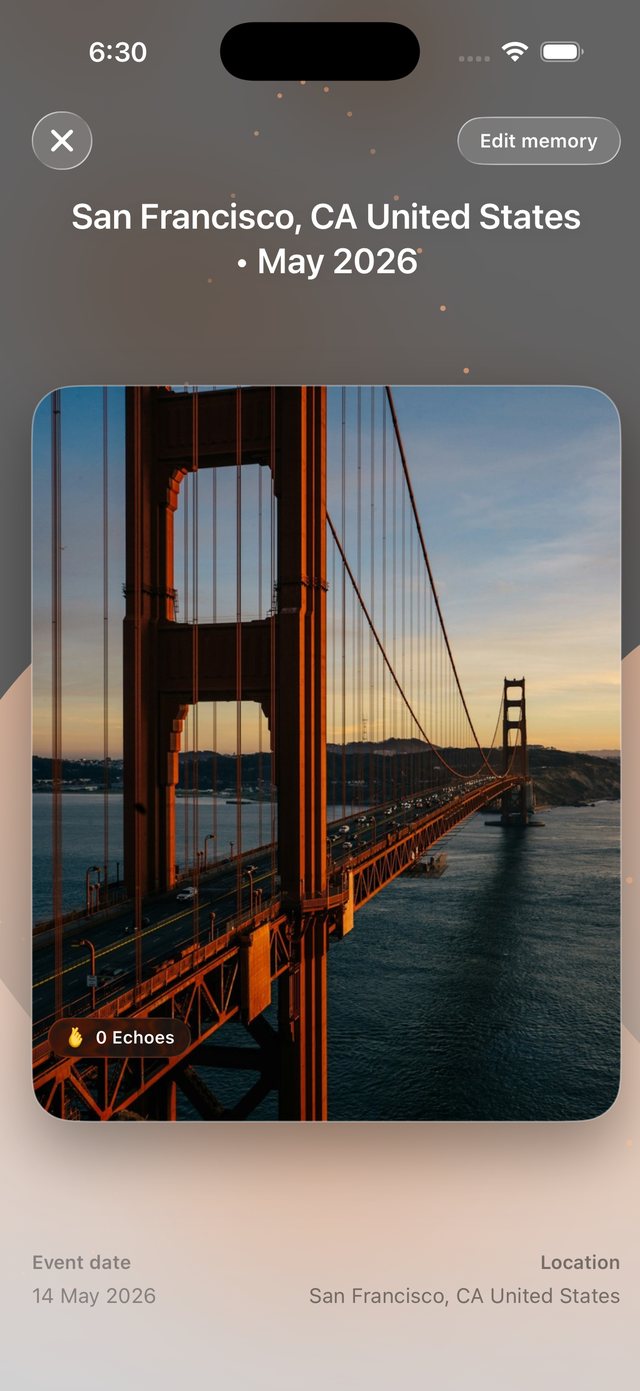
A bridge in San Francisco. A hill above Bogotá. The evening you’d completely lost. This is the part people don’t expect — not new photos, the ones you already had.
Your map is built on your iPhone. Nothing leaves it unless you choose to share it. Add a free account and your vault backs itself up to your own iCloud, so a lost phone isn’t a lost year.
When you travel alone, nobody else remembers it for you. Your photos do — DearMaps just puts them back where they happened. A few trips a year adds up faster than you think — that’s forty places a decade.
An illustration. Your real map is drawn from your own photos.
Find my memoriesOn-device AI finds the trips hiding in your camera roll and pins them for you. No uploads, no waiting.
Photos, video and voice notes, relived fullscreen.
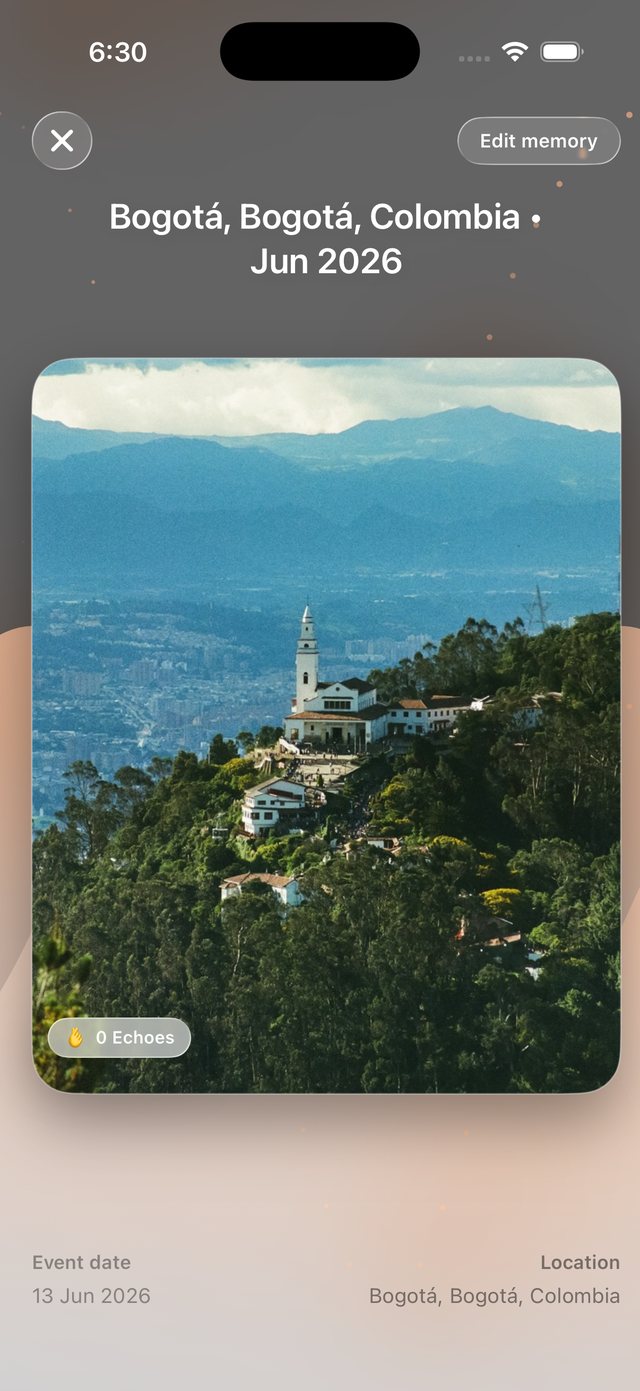
Every photo, video and note is encrypted on your iPhone before it’s saved.
Your vault syncs across devices through your iCloud — not our servers.
Publish a memory to the feed only when you want to. Friends send Echoes back.
Tap the map, snap a photo or write a quick note. It lands exactly where it happened.
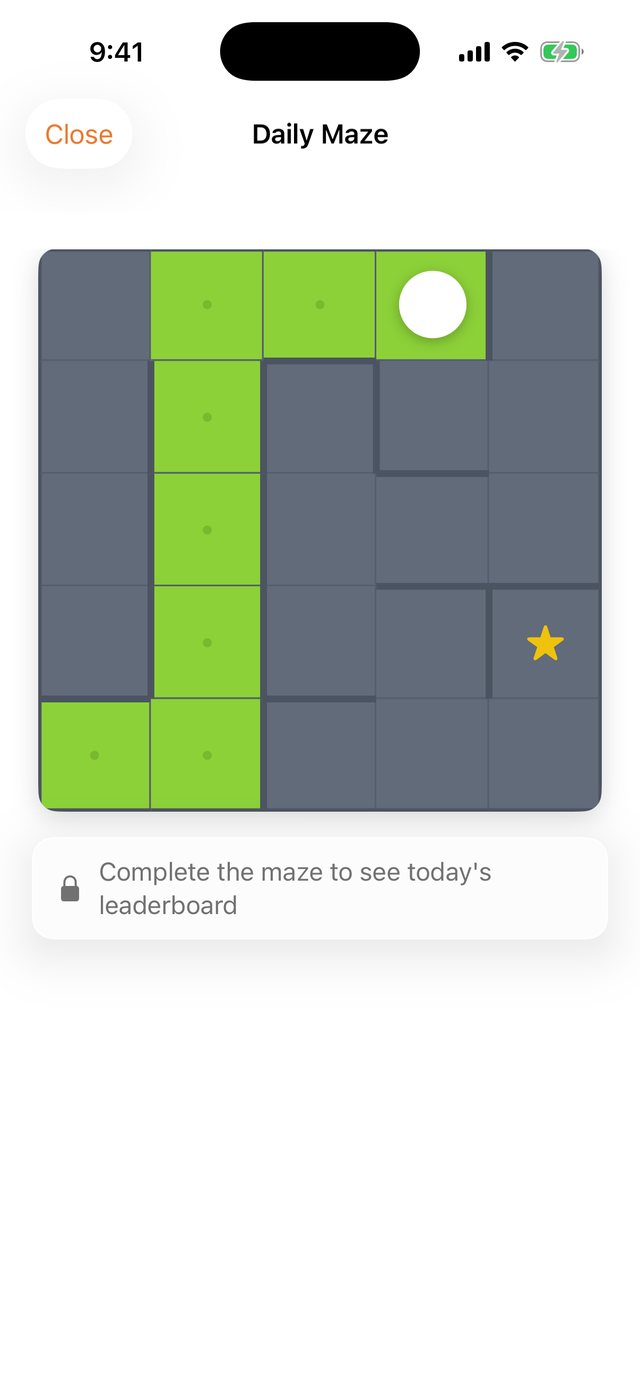
One country, one maze, one timer — the same puzzle for everyone on the same day. Swipe your way to the star, then see where your time lands on today’s leaderboard.
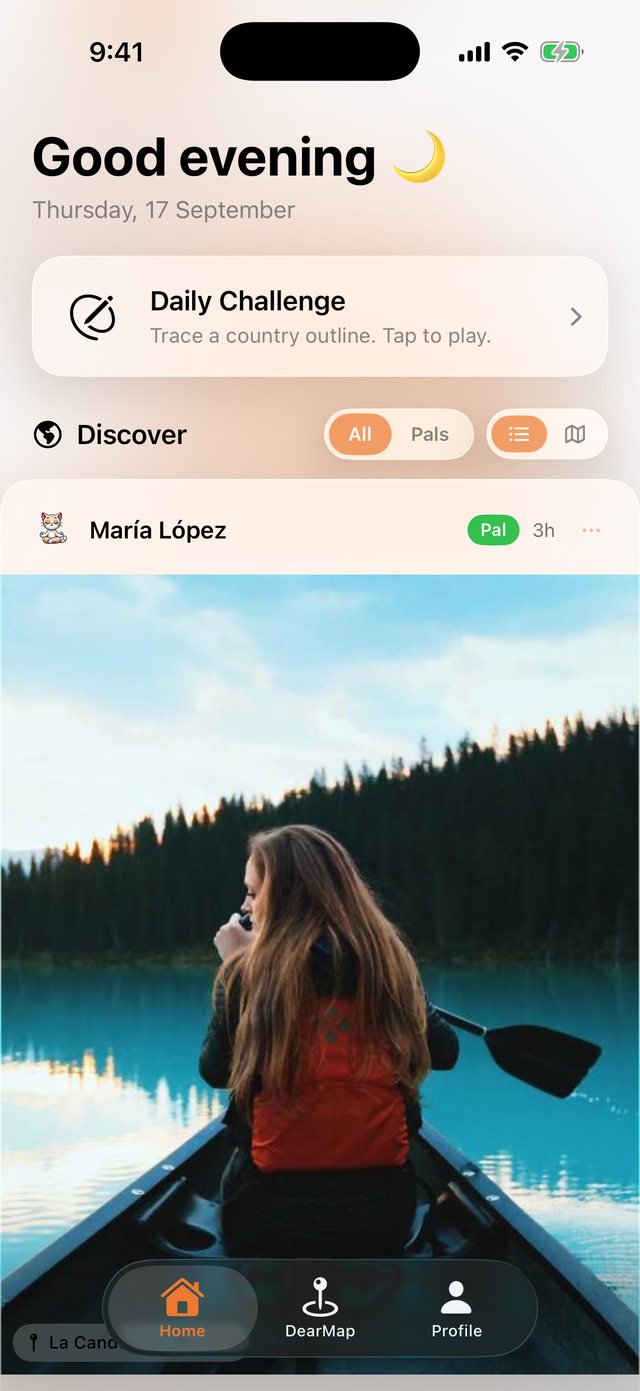
Memories people chose to share, from everywhere. Echo the ones that move you, follow the pals whose maps you love — and share yours only when you want to.
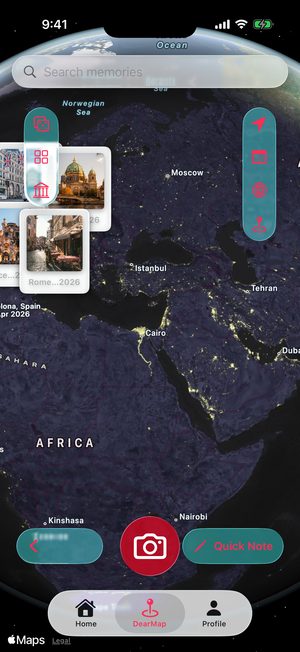
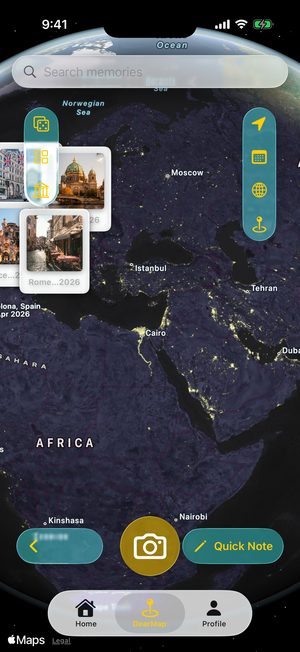
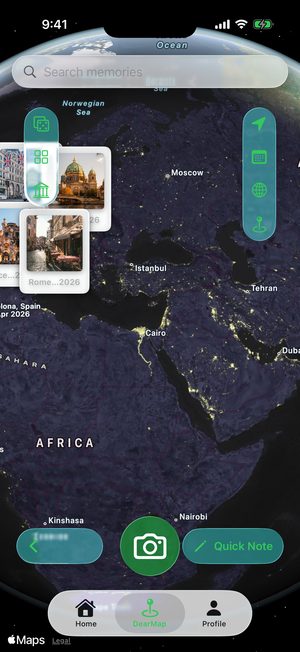
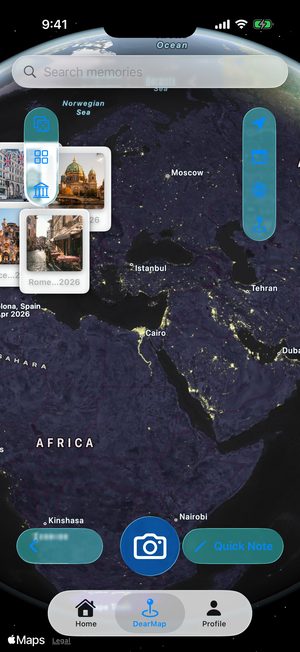
Pick any accent you like and the whole app follows — pins, buttons, the tab bar, every screen.
Your memories are yours.
We never see them.
No. Magic Scan reads where and when each photo was taken on your iPhone itself, and every photo, video and note you save is encrypted there too. Nothing leaves your phone unless you choose to: backing up to your own iCloud with a free account, or publishing a memory to the feed.
No. You can build your map, run Magic Scan and keep memories without signing up — everything stays on your iPhone. A free account adds backup and sync through your own iCloud, and the feed.
With a free account, your encrypted vault syncs to your own iCloud and comes back when you sign in on a new iPhone. Without an account, memories live only on that phone — so if they matter to you, create one.
It looks at the location and date saved inside your photos, groups them into trips and moments, and pins each one where it happened. It runs entirely on your iPhone and takes about a minute. Everyone gets two scans for free; Pro makes them unlimited.
DearMaps is free to download and use: unlimited memories, up to 7 photos each, and sharing to the feed. Pro adds up to 20 photos and videos per memory, voice notes, unlimited Magic Scan and custom categories, and the yearly plan starts with a 7-day free trial. Prices are shown in the App Store in your currency.
No. Every memory stays exactly where it is, and your videos and voice notes keep playing. You just can’t add new ones of the Pro-only kinds until you subscribe again.
Only you, by default. For each memory you decide whether to keep it private, share it with your Pals or publish it to the public feed. A published copy is re-saved without its hidden photo metadata, and appears at the place you pinned.
Yes. Deleting a memory removes it from your iPhone, from your iCloud backup and from the feed if you published it. You can delete your whole account from Settings inside the app.
iPhone and iPad with iOS 26 or later. There’s no Android version (yet 😉).
Free to download. Start with the photos you already have.
Download on theApp StoreAvailable on iOS 26 and later. Subscriptions and purchases are handled securely through the App Store.
